The Export as HTML dialog allows you to specify the criteria that will be used when exporting data from the minidump or kernel dump in html format.
Minidumps
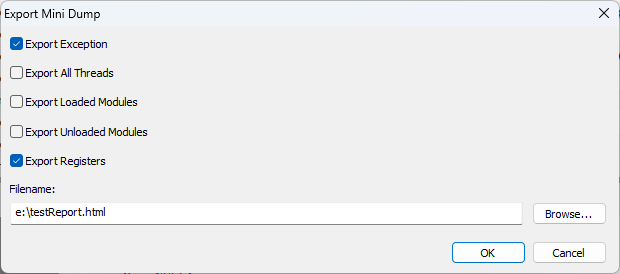
•Export Exception  include exception information and the exception callstack in the exported data
•Export All Threads include information about each thread and it's callstack in the exported data
•Export Modules include information about loaded modules in the exported data
•Export Unloaded Modules include information about unloaded modules in the exported data
•Export Registers include the registers from the exception information in the exported data
•Browse... display the file browser to choose the filename to export the text data to
Kernel Dumps
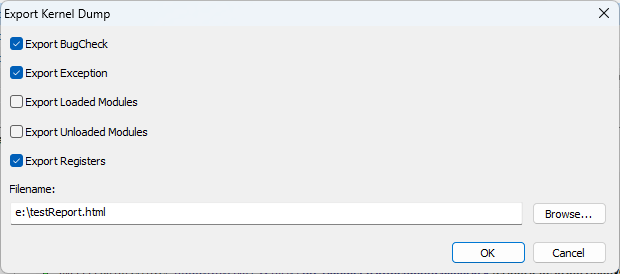
•Export BugCheck include BugCheck information in the exported data
•Export Exception include exception information and the exception callstack in the exported data
•Export Modules include information about loaded modules in the exported data
•Export Unloaded Modules include information about unloaded modules in the exported data
•Export Registers include the registers from the exception information in the exported data
•Browse... display the file browser to choose the filename to export the text data to